The New Way to Publish Your Mobile App Fast and Without the Stress
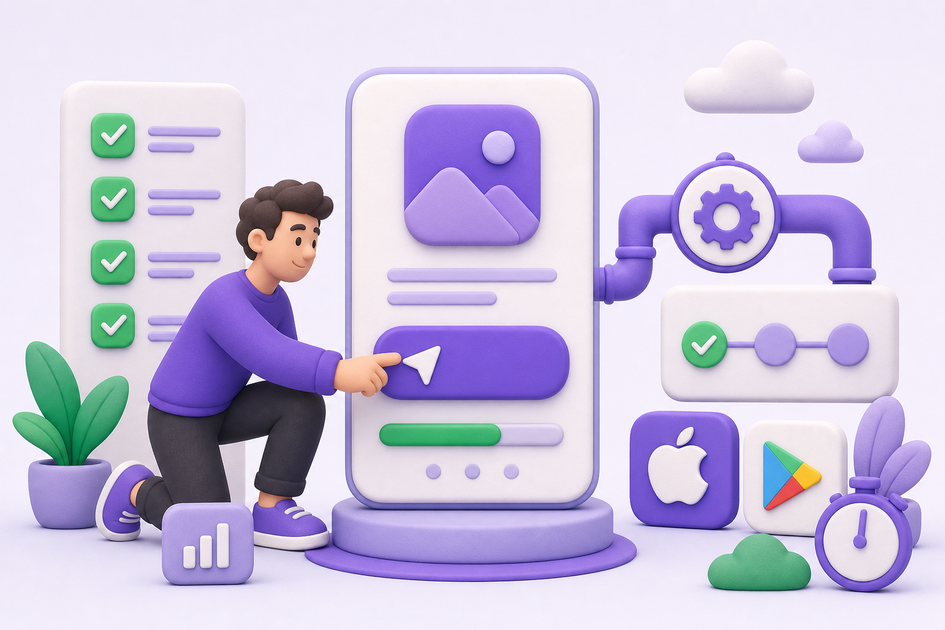
If you want predictable, low-stress mobile releases, automate the release pipeline and treat publication as a product feature; the outcome is fewer manual handoffs and faster feedback loops. This guide gives a practical 6-step workflow, realistic time expectations, and common tradeoffs so you can run a short pilot.
| Metric | Manual workflow | Automated workflow |
|---|---|---|
| Time to first submission | Multiple business days | Typically 24-48 hours |
| Average review cycles | 2-5 | 1-2 |
| Key tools | Manual uploads, ad hoc screenshots | Fastlane, CI (GitHub Actions/GitLab), Play/App Store APIs |
Explanation: the table summarizes directional operational differences we see when teams move from ad hoc uploads to scripted CI pipelines. Practical interpretation: automation usually cuts calendar time and context switches, but gains depend on how prepared your assets, review notes, and test accounts are. Business impact: expect shorter feedback loops and fewer hotfix windows after one or two releases, while allowing for occasional policy delays or localization work.
Why Publishing Requires Structured Execution, Not Guesswork goes deeper on the ideas above and adds concrete next steps.
How can automating the release pipeline speed up mobile app publishing?
Automating release tasks and owning publication as part of the product reduces manual errors and makes release cadence predictable. The upfront work is deliberate - expect about one focused sprint (1-3 days) to set up basic CI lanes and another few days of tuning and onboarding. What this buys you is repeatable builds, fewer last-minute human edits, and safer phased rollouts - at the cost of maintaining secrets, test artifacts, and occasional policy work.
What this means in practice: you will trade some operational overhead (token rotation, scoped credentials, staged testing) for lower daily friction. One thing worth noting is variance: store review times, policy reviews, and localization can add days; automation improves internal cycle time but cannot fully control external reviewers.
When you move from outline to execution, How to Publish a Bravo Studio App helps close common gaps teams hit here.
How do I publish my app faster - a practical 6-step workflow?

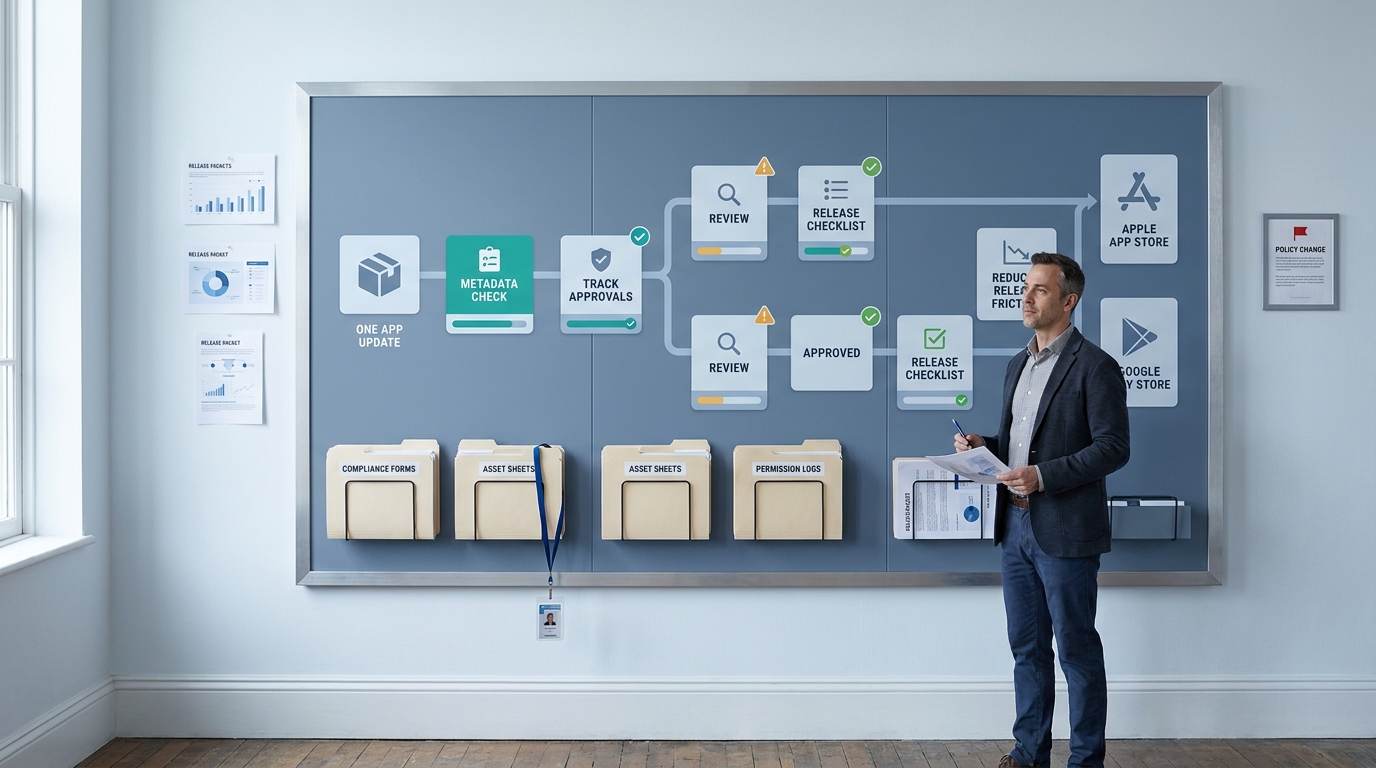
A left-to-right pipeline diagram for this article: code merge → CI job (tests + build) → artifact signing (secure secrets) → Fastlane lane / Play Publisher step → staging/internal track → smoke tests → phased production rollout. The diagram annotates where to insert gates (size check, permission checks, manual approval) and which APIs/tokens are required at each handoff.
Category:Outcomes
Statistic:38%
Label:First-pass approval rate
Context:When metadata is complete upfront
Category:Speed
Statistic:24 - 48 hrs
Label:Time to first submission
Context:Automation replaces multi-day manual prep with a predictable first release window
Category:Efficiency
Statistic:1 - 2 cycles
Label:Average review cycles
Context:Fewer back-and-forth loops when builds, signing, and metadata are standardized
Use this workflow to go from merge to store submission typically within 48-72 hours for well-prepared projects; results vary with complexity, localization, and policy reviews.
Pre-flight - credentials, assets, compliance (1-3 days)
Prepare signing keys in encrypted CI secrets, collect store copy in a single canonical source, and create test accounts and short permission-rationale videos for reviewers.
CI lane setup (day 0 to 1)
Add a pipeline that runs unit and smoke tests, builds deterministic artifacts, and archives outputs for staging and later debugging.
Automated signing and secrets management
Keep keystores and API tokens in encrypted CI secrets with scoped access, document rotation and incident response, and plan for periodic audits.
Metadata and screenshot templating
Generate screenshots with scripted tools or Fastlane snapshot, source localized descriptions from one file, and treat copy changes as code to avoid divergence.
Internal staging and smoke tests
Upload to internal or closed beta tracks, run quick smoke tests and binary-size gates, and fail the pipeline for critical regressions to prevent bad artifacts reaching reviewers.
Submission and phased rollout
Automate uploads to App Store Connect and Play Console, use internal -> beta -> production tracks, and require manual approval for major-version rollouts or risky feature releases.
One practical tip: start with a minimal lane that covers audio/video permission flows and the happy-path smoke tests, then expand guards and checks incrementally.
A complementary angle worth comparing lives in Publishing at Every Stage: How App Store Strategy Changes as You Grow.
What common blockers and tradeoffs should you expect?

A compact pre-flight checklist tailored to this article: items include 'Upload privacy label & permission rationale', 'Add test account and reviewer notes', 'Automate screenshot generation for core device sizes', 'Set artifact-size threshold in CI', and 'Configure scoped store API tokens'. Each checkbox links to the exact mitigation step described in the section.
Automation reduces human error but does not remove external risks like policy changes or reviewer ambiguity. Budget a small recurring effort for token rotation, reviewer artifacts, and policy QA; this is an operational cost, not a one-time setup.
Top blockers and practical mitigations:
Privacy and permission rejections
Include pre-filled permission rationales, privacy label inputs, and a short in-app permission-flow video to reduce reviewer ambiguity.
Binary size and performance flags
Add a CI artifact-size gate and a lightweight performance smoke test; accept that tight size budgets may require engineering work and build-tool changes.
Content and policy mismatches
Maintain a per-store checklist, run a pre-submission QA pass for screenshots and disclosures, and keep a changelog of policy-sensitive changes.
Legitimate counter-arguments: automation can accelerate bad releases if you treat all lanes the same; mitigate that risk with staged tracks, smoke tests, and manual approvals for major versions. Token and API security are real risks; use short-lived, scoped tokens and strict CI secrets practices, and plan for incident response.
Run a short pilot and measure concrete signals: time-to-first-submission, review cycles, binary-size regressions, and number of manual interventions. In small teams, pilots often reduce manual interventions by roughly half, but your mileage depends on release frequency, localization needs, and store policy complexity.
For tradeoffs, checklists, and edge cases, How to Publish a React Native App: Founder-Friendly Checklist rounds out this section.